 30 seconds
Meridian — Clarity in the noise
A design file that draws itself.
3D productCinematic
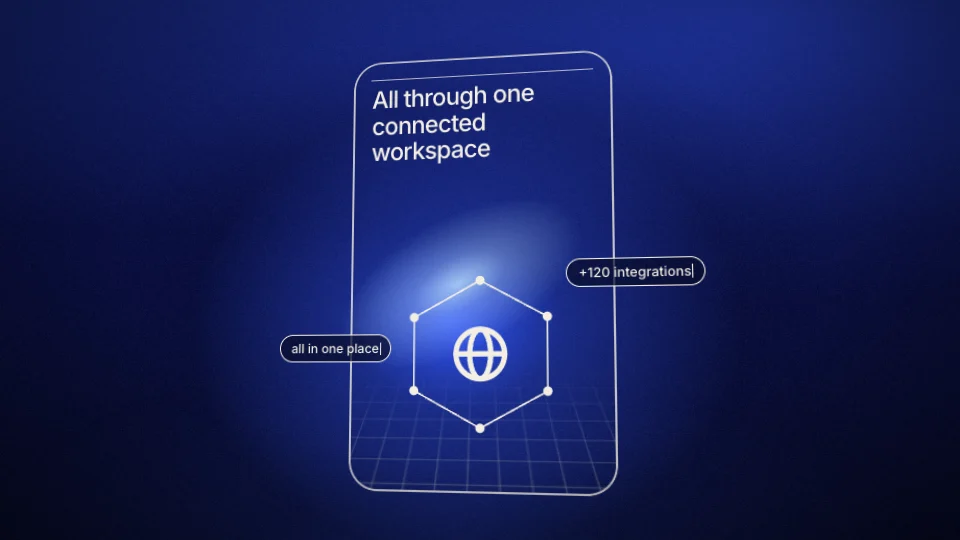
A 16-second spatial product film. Edge-on glass, an expanding three-screen composition, a studio counterpoint, and a journey into the display.
3D product
3D product films give products, screens and type real depth and light. The library lists 15 under 3d product.
51 things to set
The editor opens NOVA Studio with 51 things to set, under its tabs: Content, Media, Style.
What the film says.
Your screenshots, clips and logo.
Takes PNG, JPG, WebP, SVG, MP4 or WebM, up to 100 MB.
PNG, JPG, WebP or SVG, up to 20 MB. Or read from your website.
How it looks and how it sounds.
Inter, DM Sans or Space Grotesk.
4 steps
“Use this template” opens NOVA Studio in the editor with its sample words and pictures in place. Sign in if you are asked to.
Type your website address and the editor reads your logo and colours from it. Or upload a logo, and the colours are matched to it.
Rewrite the 10 lines under Content yourself, or ask the assistant for a change in plain words. Put your own screenshots and clips in the 3 places under Media.
Pick 16:9, 9:16, 1:1 or 4:5, choose a length and press “Render video”. The film comes back as an MP4.
6 questions
16 seconds as designed. The editor has two longer cuts too: Extended (about 25s) and Full length (about 31s). A longer cut adds shots of its own. Nothing is shown twice.
Yes. It comes in 16:9 landscape, 9:16 portrait, 1:1 square and 4:5 social. Switch between them in the editor before you render.
Yes. It has 3 places for them under Media, “Screen texture”, “Left screen picture” and “Right screen picture”. It takes PNG, JPG, WebP, SVG, MP4 or WebM files. Until you add your own, the film shows a drawn sample screen, and its 14 lines can be edited as well.
It comes with a cinematic sound design that can be switched off. Its sound effects can be switched off too. It has no voice-over of its own.
Yes. Upload a logo, or type your website address and the editor reads the logo and colours from it. NOVA Studio has 6 colours to set: device finish, studio shot background, second light, primary color, background and text color. The typeface is Inter, DM Sans or Space Grotesk.
An MP4 at 720p, 1080p, 1440p or 4K, at 24, 30 or 60 frames a second. Opening it and exporting it are free; having the AI make it yours from your words uses 40 credits. The Free plan gives 200 credits a month, with a Muvomi watermark on exports. Paid plans start at $10 a month and export without it.
6 templates
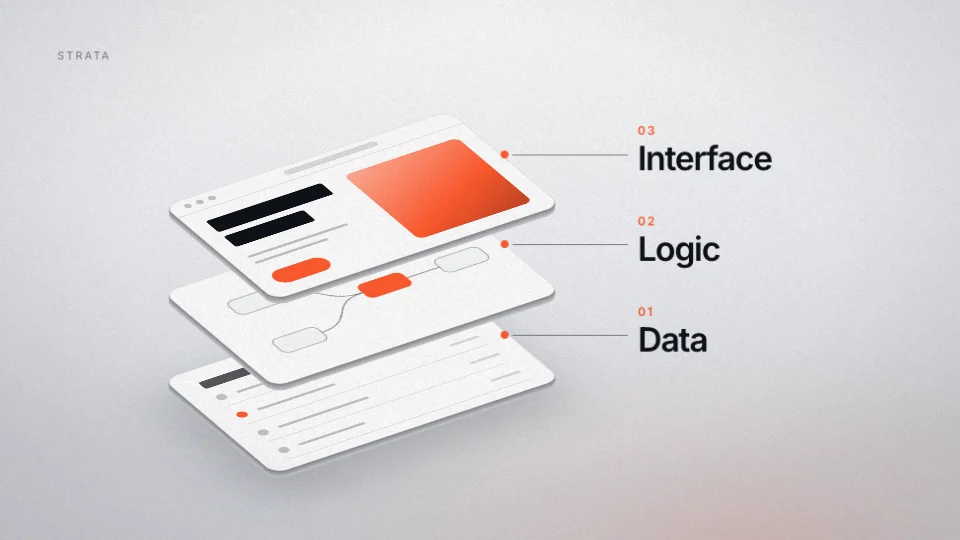
30 secondsA design file that draws itself.
 18 seconds
A product taken apart in daylight.
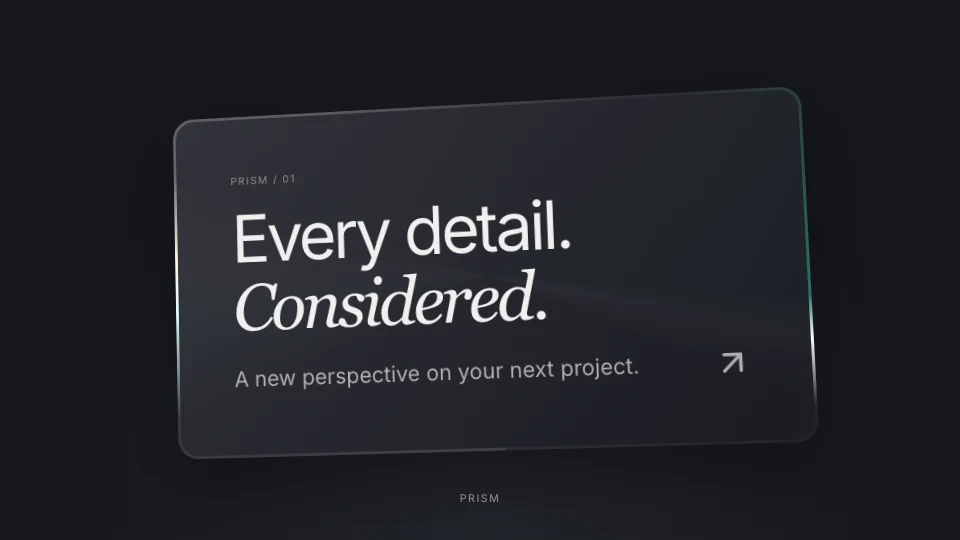 40 seconds
A moving thread of light traces a glass edge.
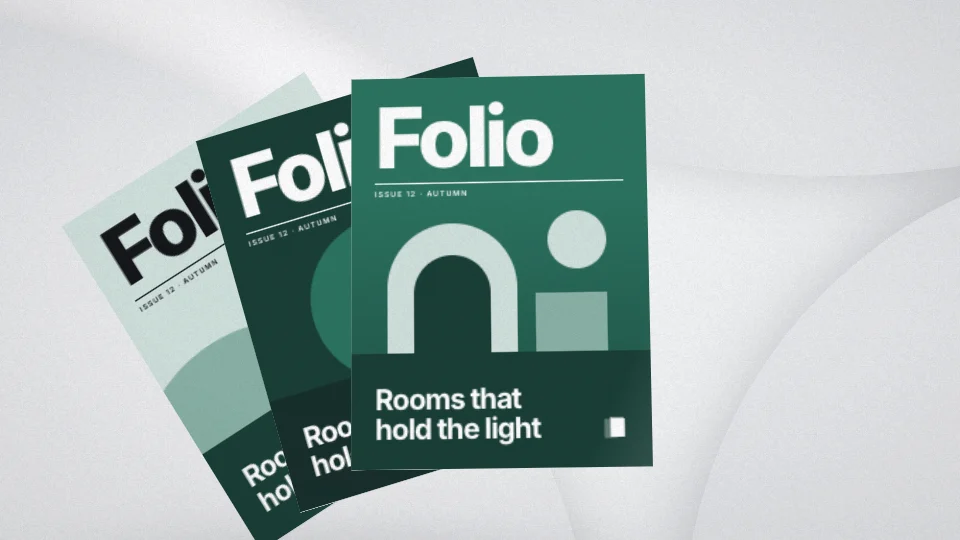 29 seconds
A printed magazine handled in a bright studio.
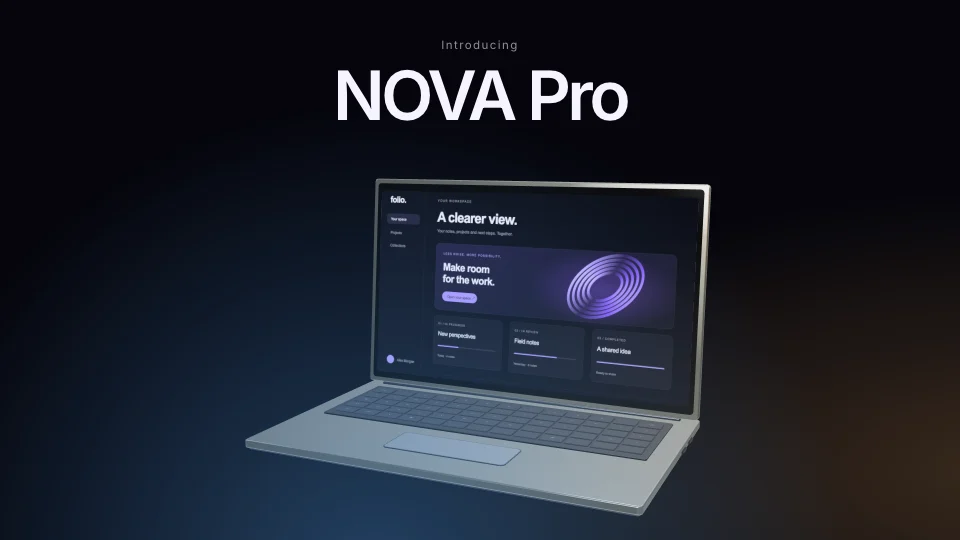 16 seconds
A 16-second cinematic launch.
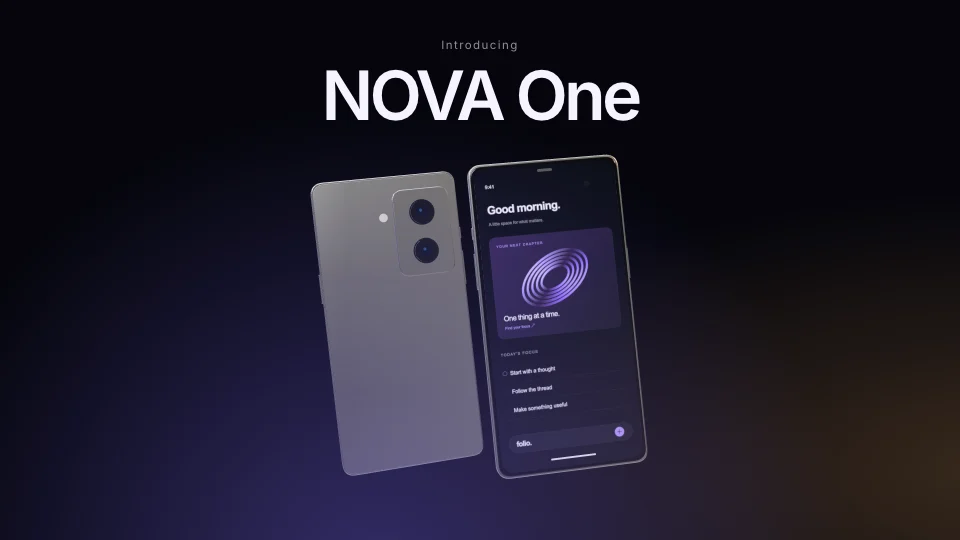 16 seconds
A 16-second product film.
NOVA Studio — Beyond the frame