

Free to start · No card needed
Dub any video in your language.
Dub any video into 92 languages, 13 of them Indian, each speaker in a voice close to their own. In your browser, on your phone too.
The Free plan gives 100 credits every month, and your first dub of a video up to 30 seconds is free.
Captions in your language: in its own script, or in English letters like Hinglish.
- हिन्दी, Hindi
- Español, Spanish
- বাংলা, Bengali
- 中文, Chinese (Mandarin)
- मराठी, Marathi
- العربية, Arabic
- తెలుగు, Telugu
- Português, Portuguese
- தமிழ், Tamil
- Русский, Russian
- ગુજરાતી, Gujarati
- 日本語, Japanese
- اردو, Urdu
- Français, French
- ಕನ್ನಡ, Kannada
- Deutsch, German
- ଓଡ଼ିଆ, Odia
- Bahasa Indonesia, Indonesian
- മലയാളം, Malayalam
- 한국어, Korean
- ਪੰਜਾਬੀ, Punjabi
- Tiếng Việt, Vietnamese
- অসমীয়া, Assamese
- فارسی, Persian
- नेपाली, Nepali
- ไทย, Thai
- سنڌي, Sindhi
- Filipino
- Ελληνικά, Greek
- עברית, Hebrew

- 92 languages to dub into
- 51 caption languages
- 52 ready-made templates
- 16 tools in one place
- First dub freeDub a videoSay it again in Hindi, Telugu, Tamil or any of 92 languages, in voices close to the speakers'.
- Add captionsCaptions in 51 languages, in their own script or in English letters like Hinglish.
- Make a video from an ideaWrite a sentence or paste a script. Get a finished video with voice and music.
- Make a shortA short with characters, voices and captions, ready for Reels and Shorts.
- Edit a videoCut, trim, and add text, music and effects, right in your browser.
- Start from a template52 ready-made videos. Change the words, colours and logo.
- 16tools in one studio
- 52motion templates
- 87caption templates
- 51caption languages
How it works
Three steps. No experience needed.
- 01
Sign up free
With your email or Google. No card.
- 02
Add your video or idea
Upload a file, paste a YouTube link, or type what you want.
- 03
Download and post
An MP4 for Instagram, YouTube or WhatsApp, with captions if you want them.
Made in India, for every language
Captions in the language you speak.
Your words, in their own script or in English letters. Pick a language to see how it looks.
Templates
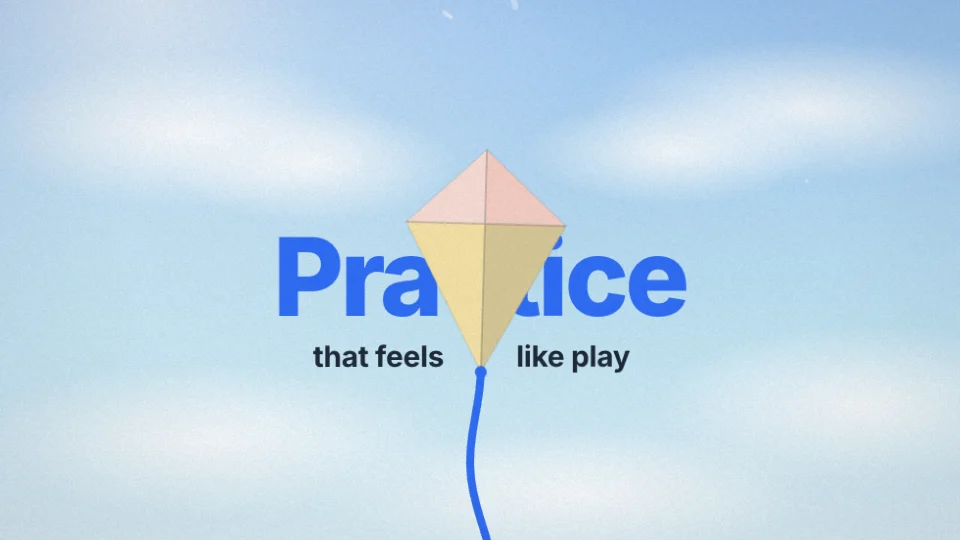
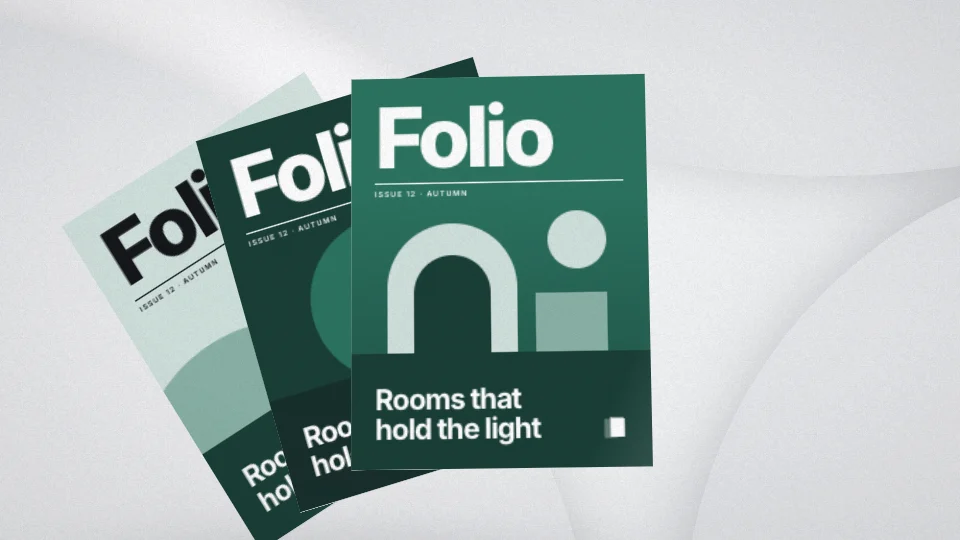
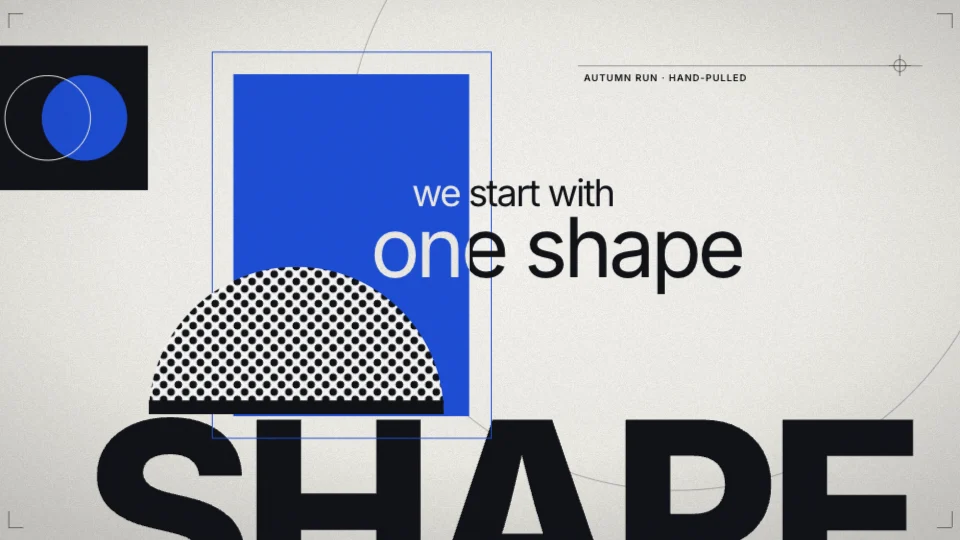
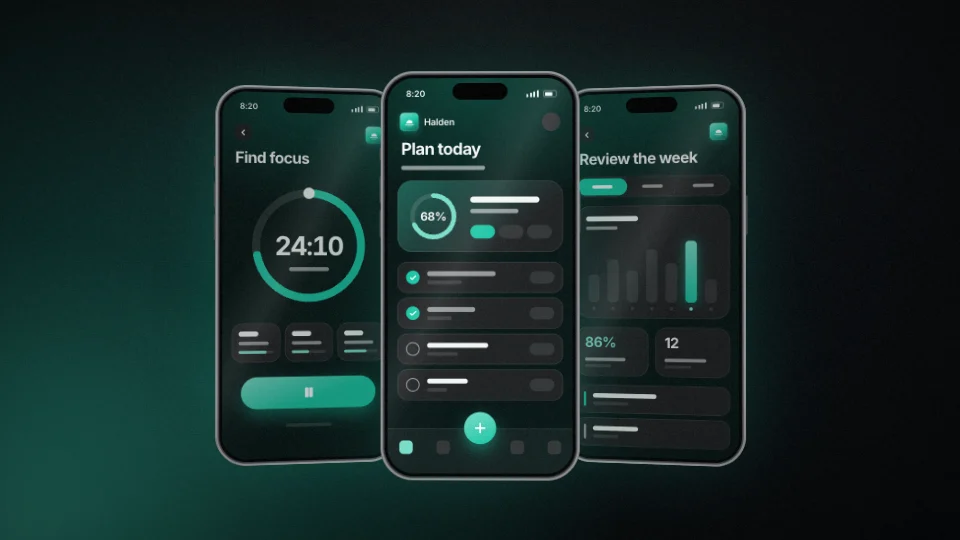
Start from a film that already works.
Change the words, colours and logo. 52 motion templates and 87 caption looks.
Why Muvomi
Everything you need, in one place.
One studio, not ten apps
Dub, caption, edit, design and make videos in one place, with one set of credits.
Your language, your script
Captions and dubs in Hindi, Telugu, Tamil and 48 more, in their own letters or in English letters like Hinglish.
Finished, not a rough draft
Videos come out with voice, music and captions, ready to post.
Start free, pay only for more
No card to begin. Buy credits once when you need more: no subscription, and they stay in your account until you use them.
Who it is for
Made for people who make things.
Creators
Reels, Shorts and YouTube videos in the language your audience speaks.
Make a shortSmall businesses
Product videos and ads without a studio, a crew or an agency.
Browse templatesTeachers and educators
Lessons captioned and dubbed so every student can follow in their own language.
Dub a lessonAgencies and editors
Caption and dub client work quickly, in many languages, for every channel.
Add captions
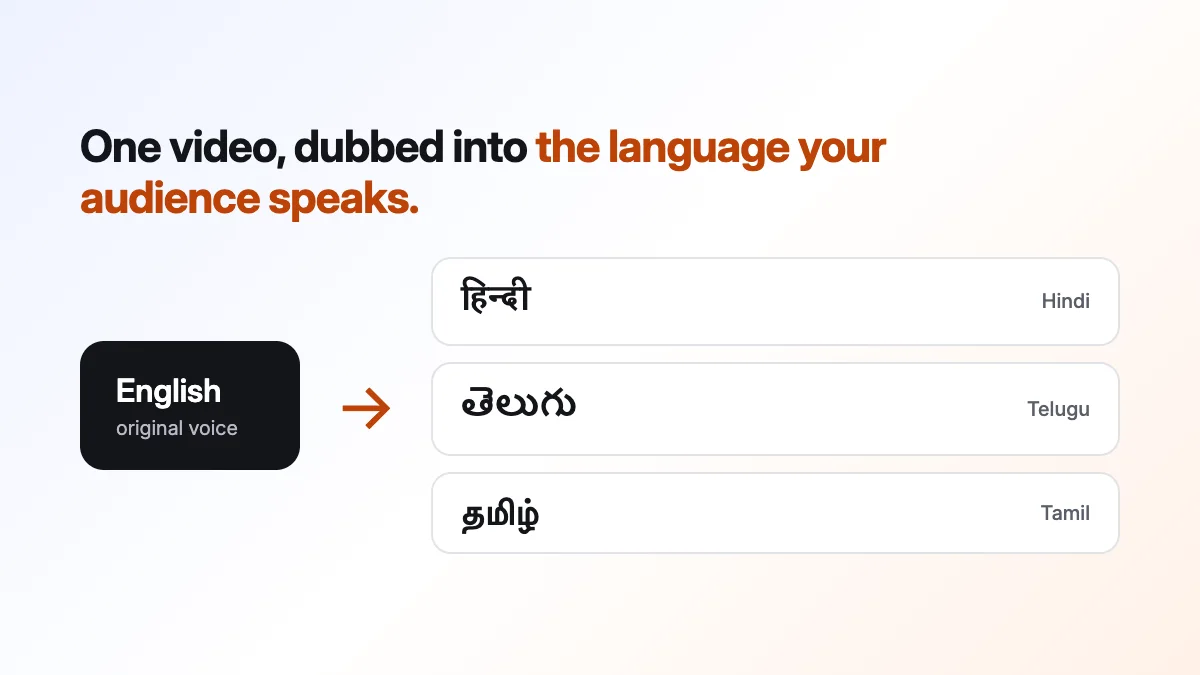
How to dub a video into Telugu, Tamil or Hindi with AI
Dub a video into Telugu, Tamil, Hindi and more with AI: paste a link or upload, choose the language and press Dub. What to prepare and what to check.
29 October 2026 · 5 min read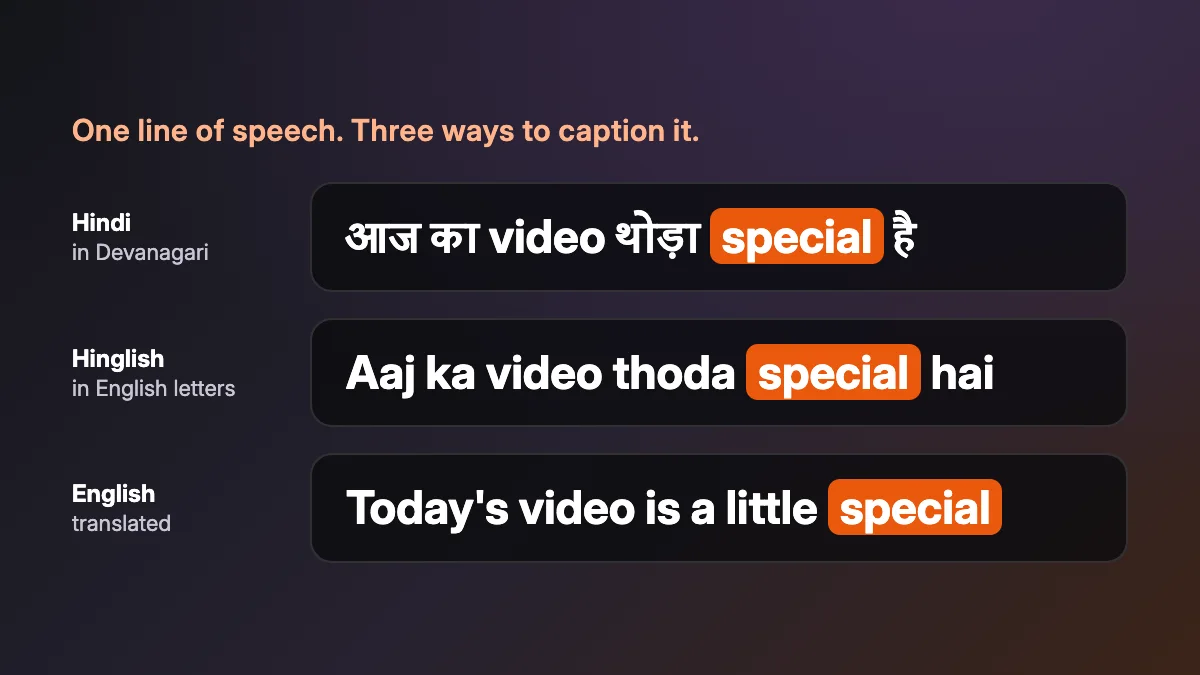
How to add Hindi and Hinglish captions to a video
Add Hindi, Hinglish or English captions to a video in a few steps: choose how they are written, pick a look, fix any word and export.
29 October 2026 · 5 min read
FAQs
Frequently asked questions
Good questions, creative answers.
What can I create with Muvomi?
Films directed from an idea, a script or a website, voiced and captioned character shorts, AI video clips and images, and editable graphics. The same studio has a video editor, auto captions, AI voiceover, AI video dubbing and audio cleanup, plus brand kits, a media library and saved projects. The tools page sets out all of them.
Do I have to start from scratch?
No. Start from an idea in a sentence, or from one of 52 motion templates: choose one, put in your own words, colours and media, and the film is yours. The template library has every one of them, with its preview.
Can I see the work before I start?
Yes. Every tool plays through in its own section of the home page, and the motion templates have preview films you can watch before you choose one. The caption templates play on a page of their own.
Can captions be in Hindi, Tamil, Spanish, Chinese or another of 51 languages?
Yes. Auto captions hear English, 14 Indian languages (Hindi, Bengali, Marathi, Telugu, Tamil, Gujarati, Urdu, Kannada, Odia, Malayalam, Punjabi, Assamese, Nepali and Sindhi) and 36 languages of the world, Spanish, Chinese, Arabic and Japanese among them, with the English words people mix in. They are written in the language's own script, in Latin letters (Hinglish, Tanglish, Pinyin, Romaji and more), or translated. Captions in 51 languages names each one and shows real captions.
Can I bring my own files and brand?
Yes. Upload images, video and audio to the media library and use them in an edit or a design. Save your logo, colours and typeface as a brand kit and apply its colours and type to a video edit, or give Motion Design a script, a document or your website to work from.
How much does Muvomi cost?
It is free to start. Free gives 100 credits every month, with a Muvomi watermark on exports, which are up to 720p. More credits are bought once, from $1 for 100 credits, and stay in your account until you use them; while you have credits you bought, exports have no watermark and go up to 1080p free, or 4K for 5 credits. There is no subscription. Credits pay for what the AI makes: a template film is 40 credits, captions 10 credits, an AI edit 20 credits. Pricing has everything credits buy.
Still have a question? Contact us
Your imagination has a home
Your next great thing starts here.
100 credits every month, no card needed.