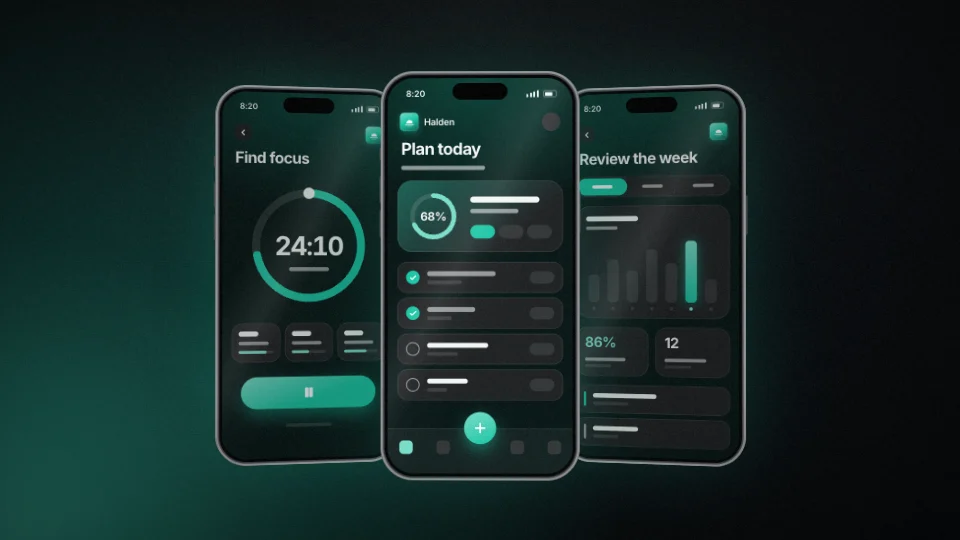
 27 seconds
Halden — Your day, already planned
An app promo told on the phone it lives in, on a dark stage with one coloured light low in a corner.

Device mockupsMotion studies
Frosted native notifications arrive in a carefully timed stack, then a silver handset pulls into view. Clear typography and a soft daylight finish.
Device mockups
Device mockups put your screens on a phone, a laptop or floating displays. The library lists 8 under device mockups.
19 things to set
The editor opens Ping with 19 things to set, under its tabs: Content, Media, Style.
What the film says.
Every scene of the film: its eyebrow, headline and supporting text, its shot, camera move, transition and typography motion, and its place in the order. The film's finish and art direction are set here too.
Your screenshots, clips and logo.
Takes PNG, JPG, WebP, SVG, MP4 or WebM, up to 100 MB.
PNG, JPG, WebP or SVG, up to 20 MB. Or read from your website.
How it looks and how it sounds.
On or off, read by one of 20 voices: Sarah, Brian, George, Alice, Hannah, Cole, Sienna, Cliff, Heather, Miles, Colin, Gemma, Athena, Hera, Thalia, Cora, Apollo, Arcas, Draco and Hermes.
4 steps
“Use this template” opens Ping in the editor with its sample words and pictures in place. Sign in if you are asked to.
Type your website address and the editor reads your logo and colours from it. Or upload a logo, and the colours are matched to it.
Rewrite the storyboard scene by scene: the words, the shot, the camera move and the transition. Put your own screenshots and clips in the 10 places under Media.
Pick 16:9, 9:16, 1:1 or 4:5 and press “Render video”. The film comes back as an MP4.
6 questions
22 seconds. Its scenes can be reordered and rewritten in the storyboard.
Yes. It comes in 16:9 landscape, 9:16 portrait, 1:1 square and 4:5 social. Switch between them in the editor before you render.
Yes. It has 10 places for them under Media, among them “Screenshot or video”, “Attached media 1” and “Attached media 2”. It takes PNG, JPG, WebP, SVG, MP4 or WebM files.
It has a voice-over, read by one of 20 voices, and you can switch it off. The music is a choice of Quiet lift, Open horizon, Human warmth or Original score.
Yes. Upload a logo, or type your website address and the editor reads the logo and colours from it. Ping has 2 colours to set: brand accent and secondary accent.
An MP4 at 720p, 1080p, 1440p or 4K, at 24, 30 or 60 frames a second. Opening it and exporting it are free; having the AI make it yours from your words uses 40 credits. The Free plan gives 200 credits a month, with a Muvomi watermark on exports. Paid plans start at $10 a month and export without it.
6 templates
27 secondsAn app promo told on the phone it lives in, on a dark stage with one coloured light low in a corner.
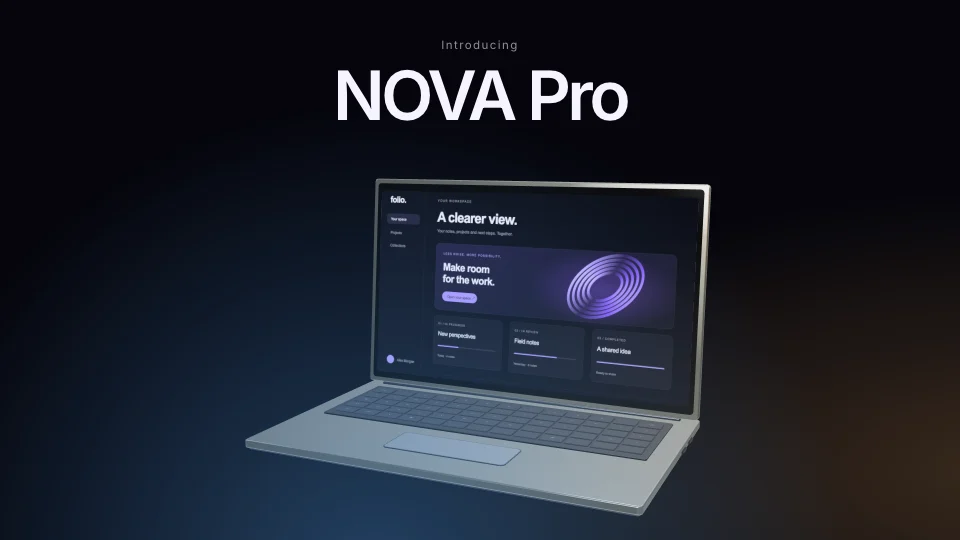 16 seconds
A 16-second cinematic launch.
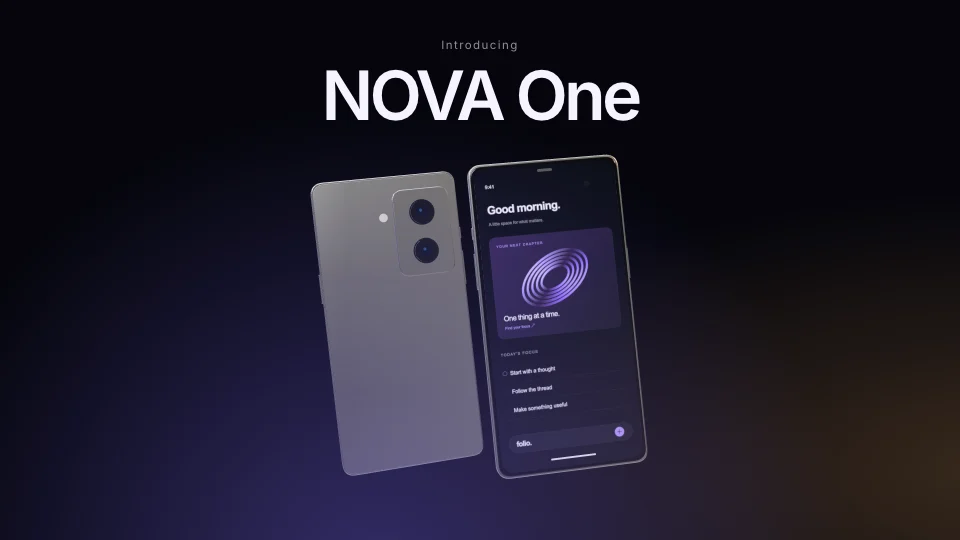 16 seconds
A 16-second product film.
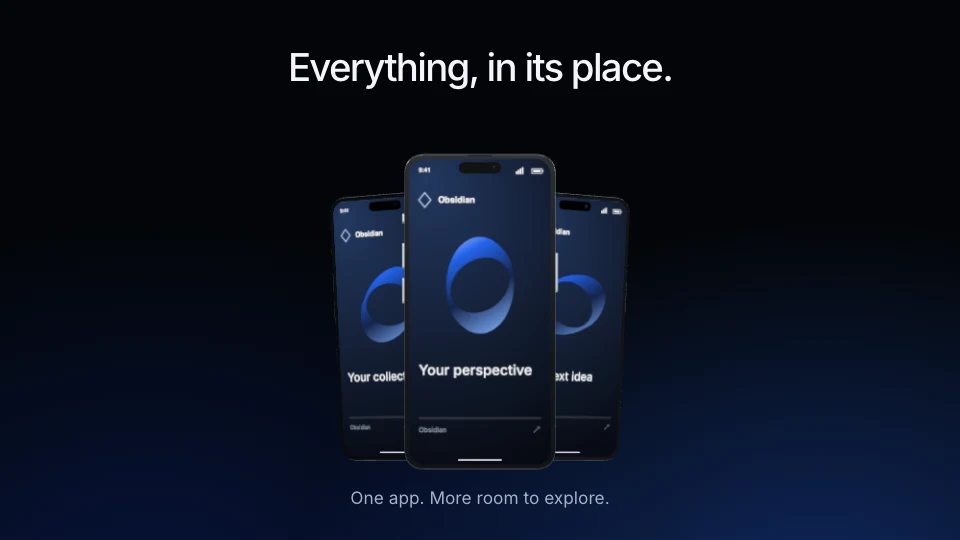 38 seconds
A cinematic app demonstration with dark metallic devices.
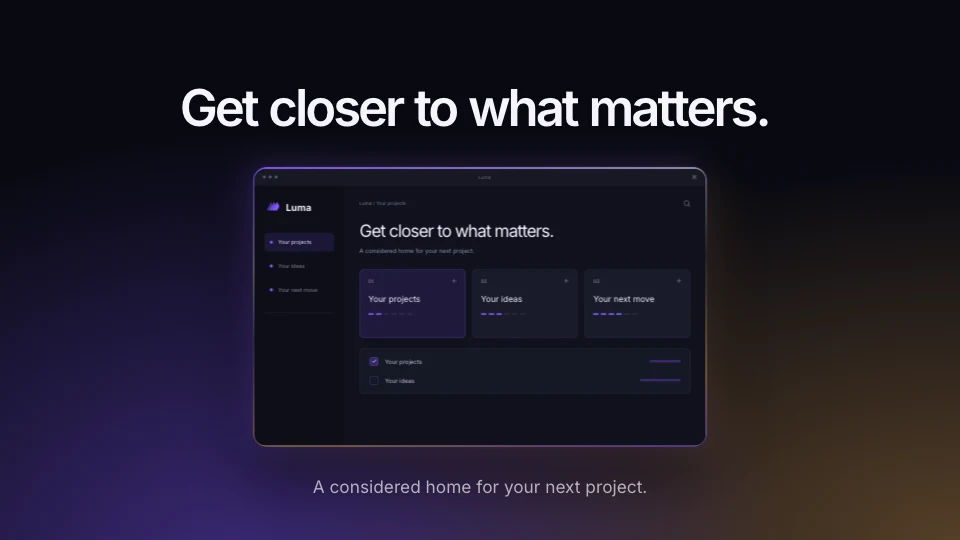 53 seconds
A luminous product film: extreme close-ups travel into complete interfaces.
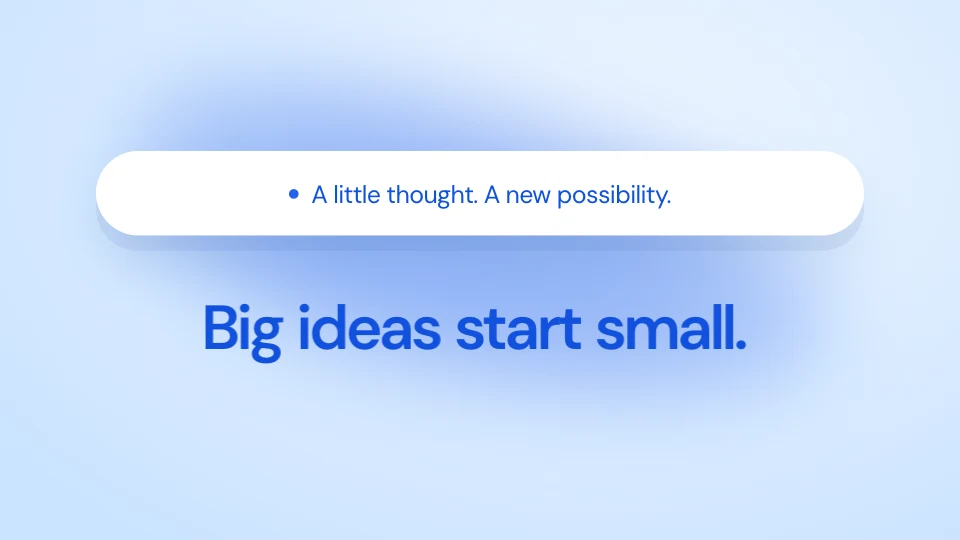 32 seconds
Blue volumes, stretching white capsules and large moving type.
Ping — A little more connected