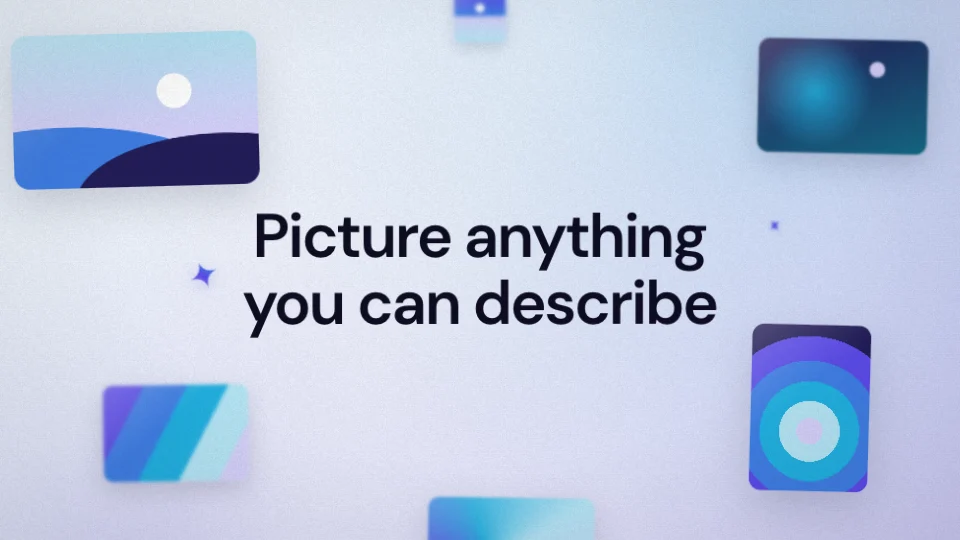
 28 seconds
Wren — Help for the whole day
An assistant's day on a ground that runs from ice to lavender, cut against short interludes of ink.


Product demos3D motion
A dark console lit from below: statements come out of blur a word at a time, four prompt cards type themselves in the corners and a list of prompts scrolls past one lit row.
Product demos
Then the product in a single take, from an extreme close-up of its sidebar, right into the prompt box, up through the reply and back to a dashboard that draws its own charts from your numbers. Fourteen beats in thirty seconds, and every prompt you add is one more row for the list to stop on.
Two longer cuts add seven beats of their own without repeating one: the swing the prompt asked to have flagged, the same prompt set to run every week, the question it asks before anything is sent and the hours it gives back; then the prompt opened from the keyboard, the tools an answer is read from and a document that writes itself.
Product demos show a product at work: the interface, the feature and what it gets done. The library lists 33 under product demos.
79 things to set
The editor opens Quill with 79 things to set, under its tabs: Content, Media, Style.
What the film says.
Your screenshots, clips and logo.
Takes PNG, JPG, WebP, SVG, MP4 or WebM, up to 100 MB.
PNG, JPG, WebP or SVG, up to 20 MB. Or read from your website.
How it looks and how it sounds.
Inter, DM Sans or Space Grotesk.
16 small signs in the film, each picked from 69 drawings.
Dense (as designed), Steady (about 20% longer) or Relaxed (about 45% longer).
On or off, read by one of 20 voices: Sarah, Brian, George, Alice, Hannah, Cole, Sienna, Cliff, Heather, Miles, Colin, Gemma, Athena, Hera, Thalia, Cora, Apollo, Arcas, Draco and Hermes.
4 steps
“Use this template” opens Quill in the editor with its sample words and pictures in place. Sign in if you are asked to.
Type your website address and the editor reads your logo and colours from it. Or upload a logo, and the colours are matched to it.
Rewrite the 21 lines under Content yourself, or ask the assistant for a change in plain words. Put your own screenshots and clips in the 4 places under Media.
Pick 16:9, 9:16, 1:1 or 4:5, choose a length, record the voice-over and press “Render video”. The film comes back as an MP4.
6 questions
30 seconds as designed. The editor has two longer cuts too: Extended (about 39s) and Full length (about 46s). A longer cut adds beats of its own. Nothing is shown twice. The pace can be slowed too: Steady (about 20% longer) or Relaxed (about 45% longer).
Yes. It comes in 16:9 landscape, 9:16 portrait, 1:1 square and 4:5 social. Switch between them in the editor before you render.
Yes. It has 8 places for them under Media, among them “Dashboard: screenshot or video”, “First panel: your own chart” and “Second panel: your own chart”. It takes PNG, JPG, WebP, SVG, MP4 or WebM files.
It has a voice-over, read by one of 20 voices, and you can switch it off. The music is a choice of Original score, Quiet lift, Open horizon or Human warmth. Its sound effects can be switched off too.
Yes. Upload a logo, or type your website address and the editor reads the logo and colours from it. Quill has 3 colours to set: primary color, background and text color. The typeface is Inter, DM Sans or Space Grotesk.
An MP4 at 720p, 1080p, 1440p or 4K, at 24, 30 or 60 frames a second. Opening it and exporting it are free; having the AI make it yours from your words uses 40 credits. The Free plan gives 200 credits a month, with a Muvomi watermark on exports. Paid plans start at $10 a month and export without it.
6 templates
28 secondsAn assistant's day on a ground that runs from ice to lavender, cut against short interludes of ink.
 26 seconds
Two worlds cut hard against each other.
 18 seconds
A version launch told as one thread.
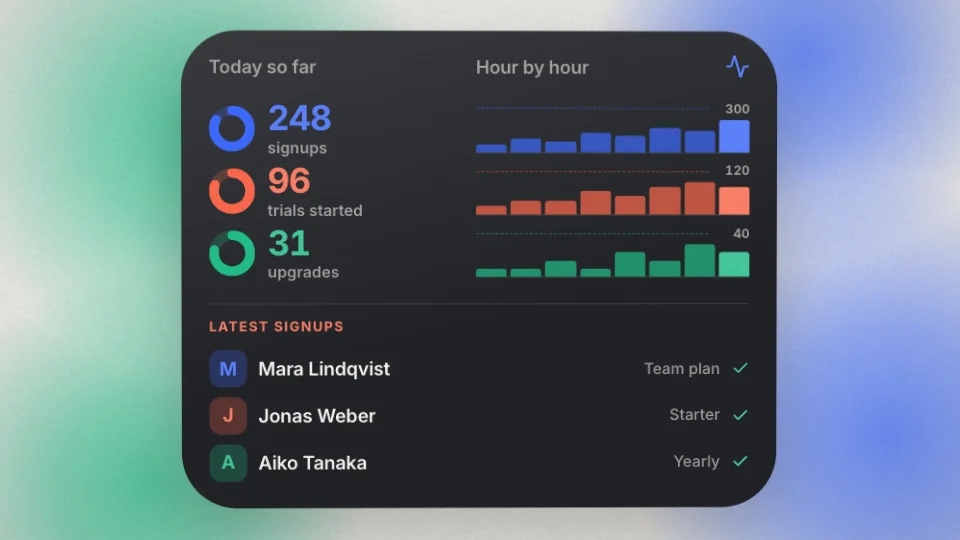 25 seconds
A word types on over a pale ground with a band of colour along its foot.
 29 seconds
Black frames and pearl panels, cut hard against each other.
 27 seconds
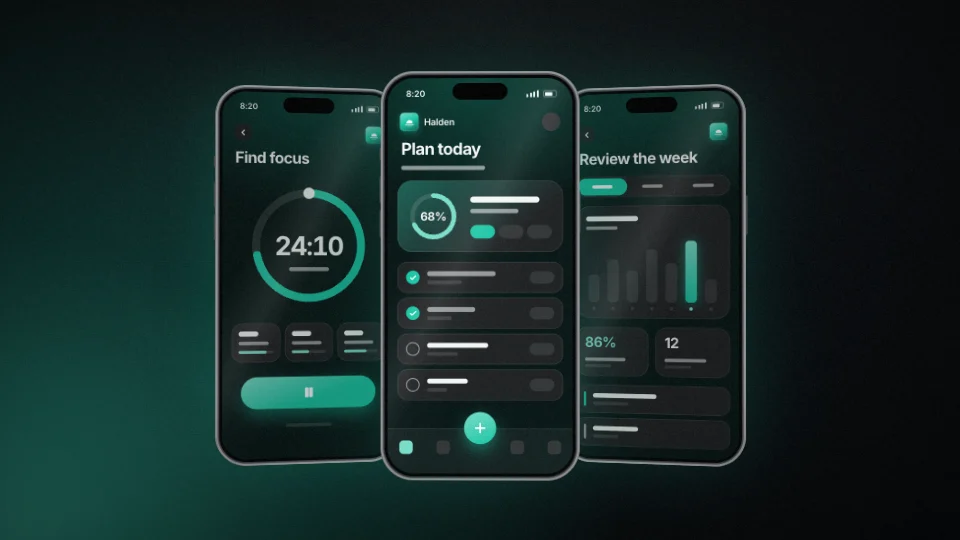
An app promo told on the phone it lives in, on a dark stage with one coloured light low in a corner.
Quill — One prompt runs the day