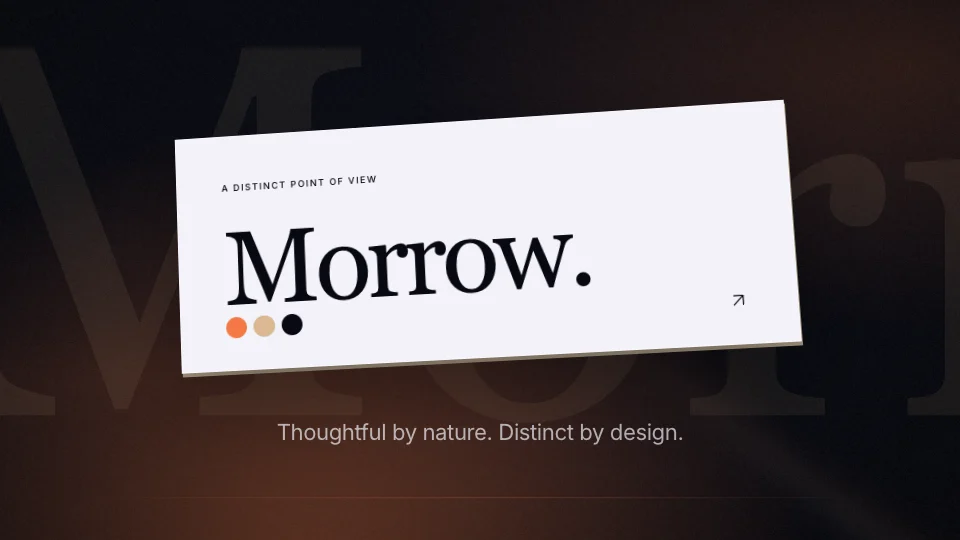
 15 seconds
Made of color — Brand Palette
A tactile brand film with sweeping color panels.


Logo revealsDirector series
An identity film in four acts: a material macro, a sculptural mark assembly, an oversized wordmark and a generous closing hold.
Logo reveals
Logo reveals bring a mark on screen, for an opening or an end card. The library lists 6 under logo reveals.
28 things to set
The editor opens “A lasting signature” with 28 things to set, under its tabs: Content, Media, Style.
What the film says.
Your logo.
PNG, JPG, WebP or SVG, up to 20 MB. Or read from your website.
How it looks and how it sounds.
Inter, DM Sans or Space Grotesk.
4 steps
“Use this template” opens “A lasting signature” in the editor with its sample words and pictures in place. Sign in if you are asked to.
Type your website address and the editor reads your logo and colours from it. Or upload a logo, and the colours are matched to it.
Rewrite the 4 lines under Content yourself, or ask the assistant for a change in plain words.
Pick 16:9, 9:16, 1:1 or 4:5, choose a length and press “Render video”. The film comes back as an MP4.
6 questions
12 seconds as designed. The editor has two longer cuts too: Extended (about 21s) and Full length (about 27s). A longer cut adds shots of its own. Nothing is shown twice.
Yes. It comes in 16:9 landscape, 9:16 portrait, 1:1 square and 4:5 social. Switch between them in the editor before you render.
No. It is made of type, your colours and your logo, so there is nothing to shoot or upload but the logo.
It comes with an original soundtrack that can be switched off. Its sound effects can be switched off too. It has no voice-over of its own.
Yes. Upload a logo, or type your website address and the editor reads the logo and colours from it. “A lasting signature” has 3 colours to set: primary color, background and text color. The typeface is Inter, DM Sans or Space Grotesk.
An MP4 at 720p, 1080p, 1440p or 4K, at 24, 30 or 60 frames a second. Opening it and exporting it are free; having the AI make it yours from your words uses 40 credits. The Free plan gives 200 credits a month, with a Muvomi watermark on exports. Paid plans start at $10 a month and export without it.
6 templates
15 secondsA tactile brand film with sweeping color panels.
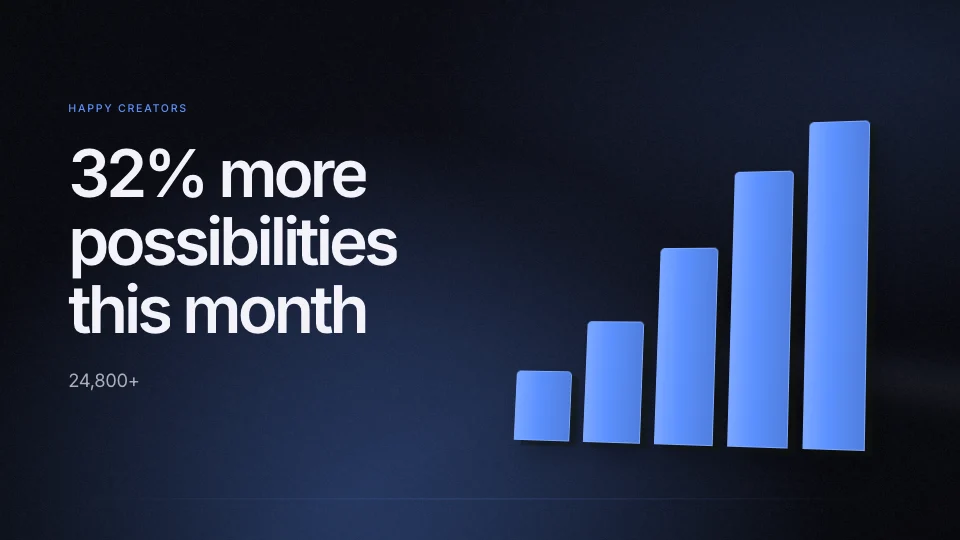 16 seconds
A milestone film with monumental counting typography.
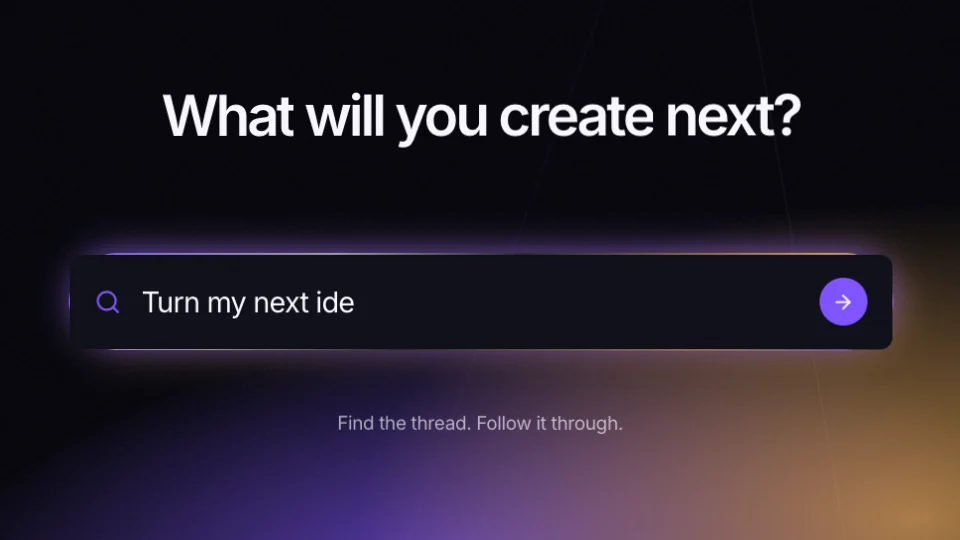 18 seconds
A cinematic launch film with kinetic typography.
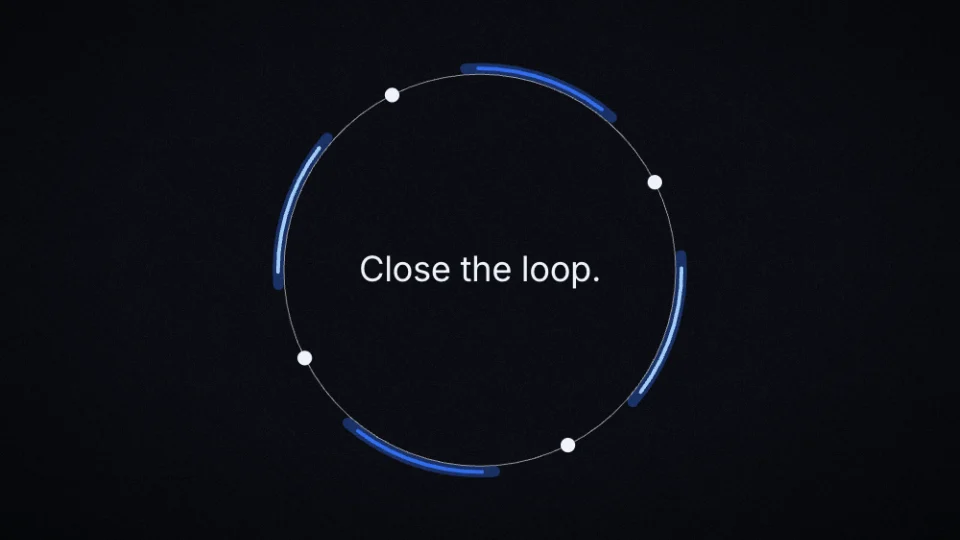 34 seconds
A design studio's manifesto in fine lines.
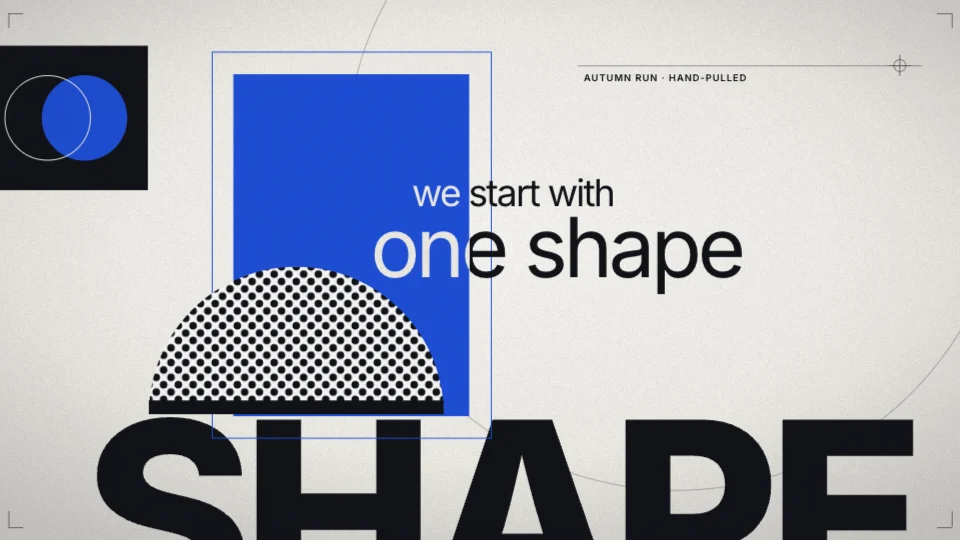 17 seconds
A studio's creed, said in short captions over a reel of posters.
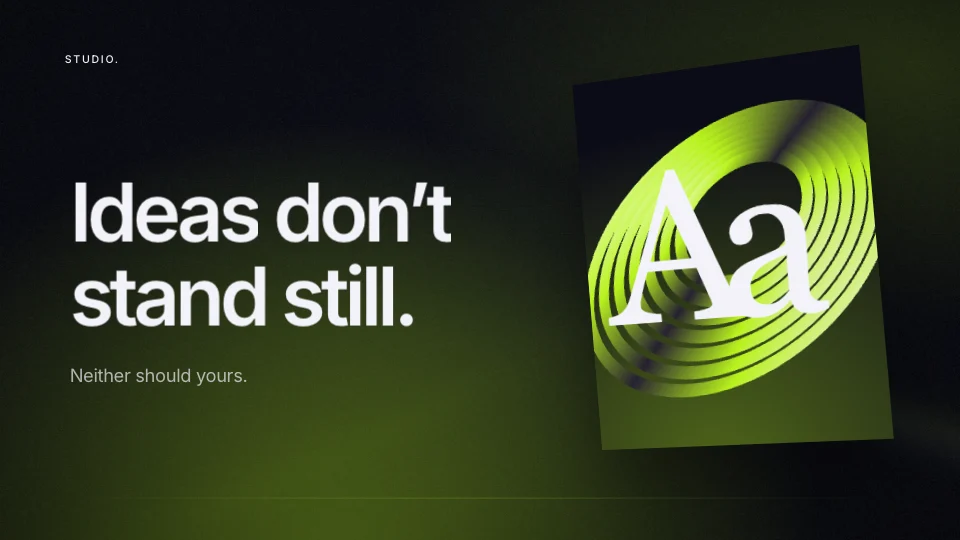 15 seconds
A kinetic brand film in five acts.
A lasting signature